
Migrating Eden Core saves to stock
This short guide will show you how to migrate an Eden Core save to stock DIVA in just a few clicks!
Tools Needed
- Save-Migrator (By Vixen256) - This tool automatically moves the save files for you! (Click Me To See Source Code)
Step 1
Download save-migrator from the Tools Needed section and run it.
Step 2
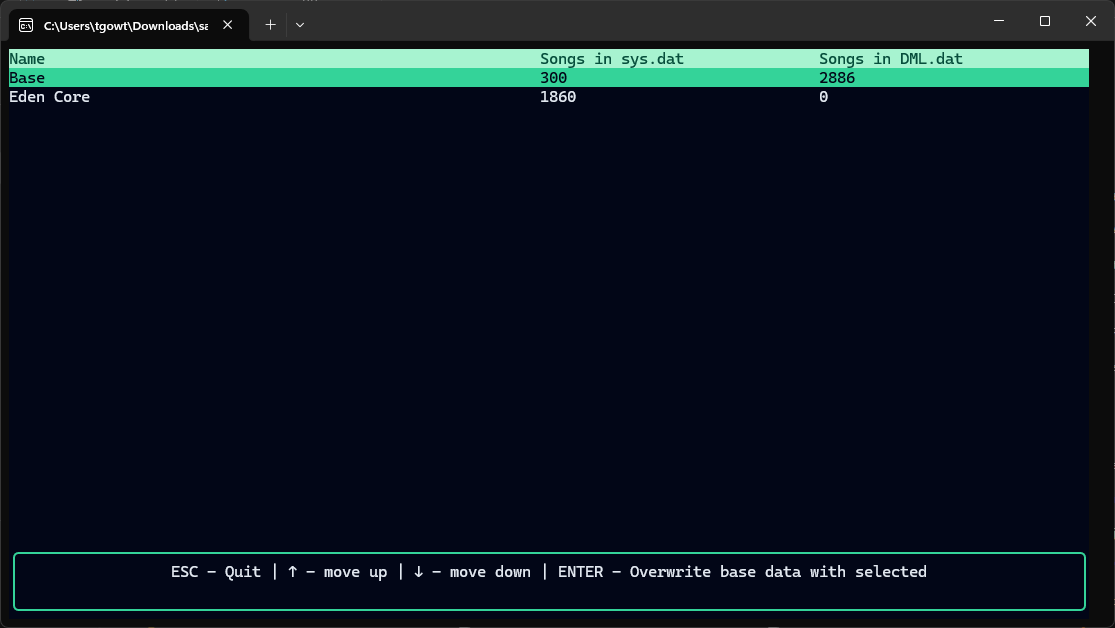
Once you run the tool, you should see a menu like this. Use your arrow keys to highlight the Eden Core row and press ENTER.
Step 3
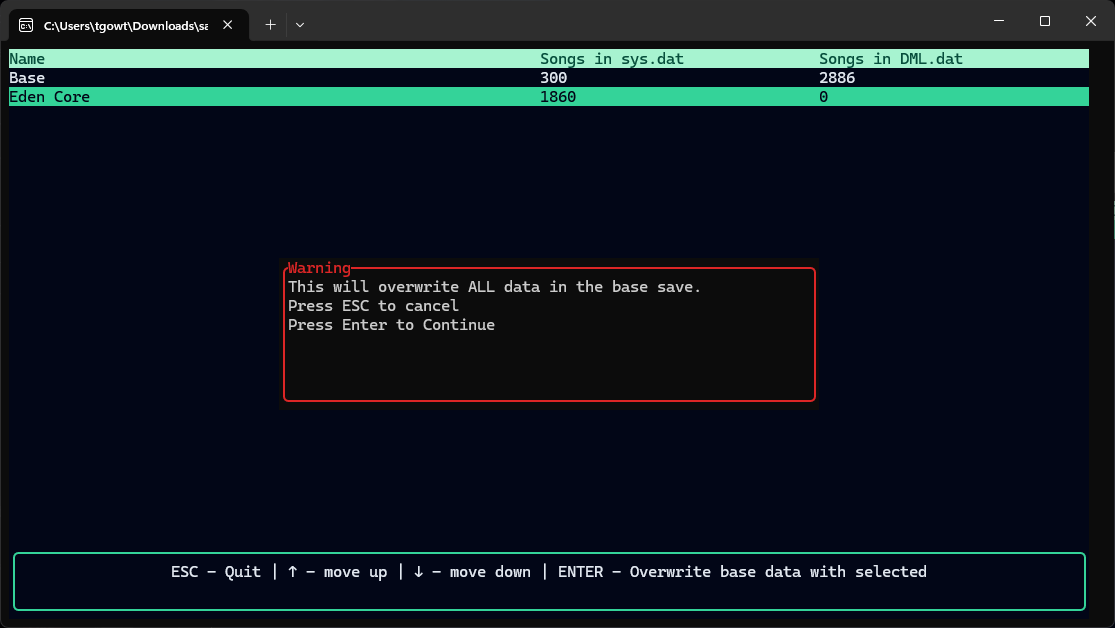
Once you select the Eden Core row, you will get a warning box, press ENTER to overwrite your existing stock save data with your Eden Core save data.
Step 4
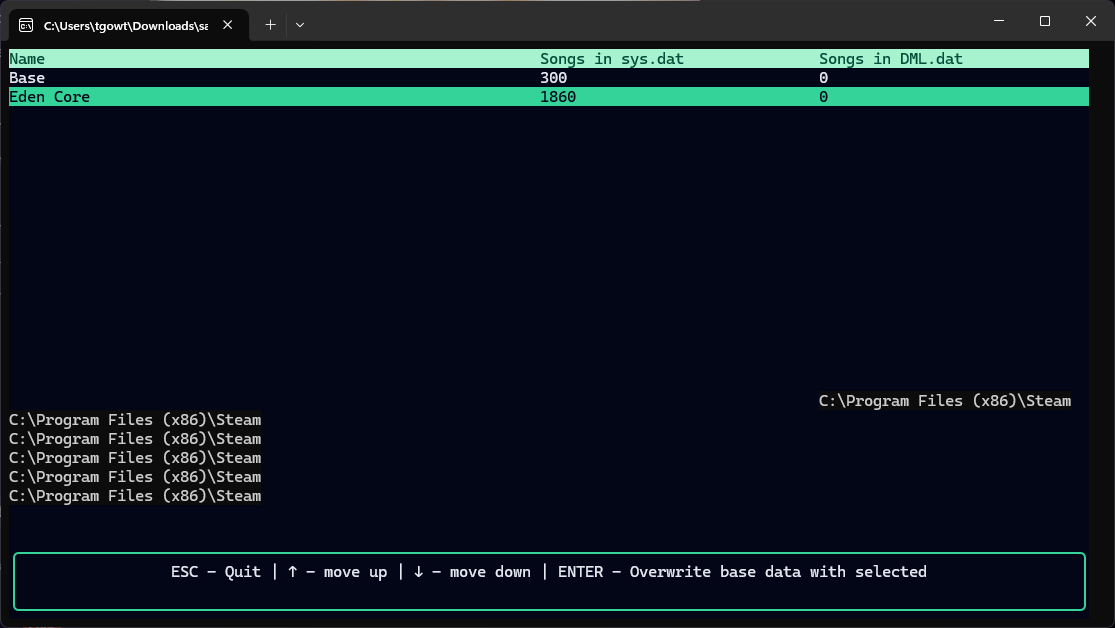
When your save is finished being migrated, the window will look like this. It is now safe to close save-migrator.