
Customizing your profile
DIVAScores.NET gets name, country, and avatar information from Steam, so here's a guide on how to change your name & country.
Step 1
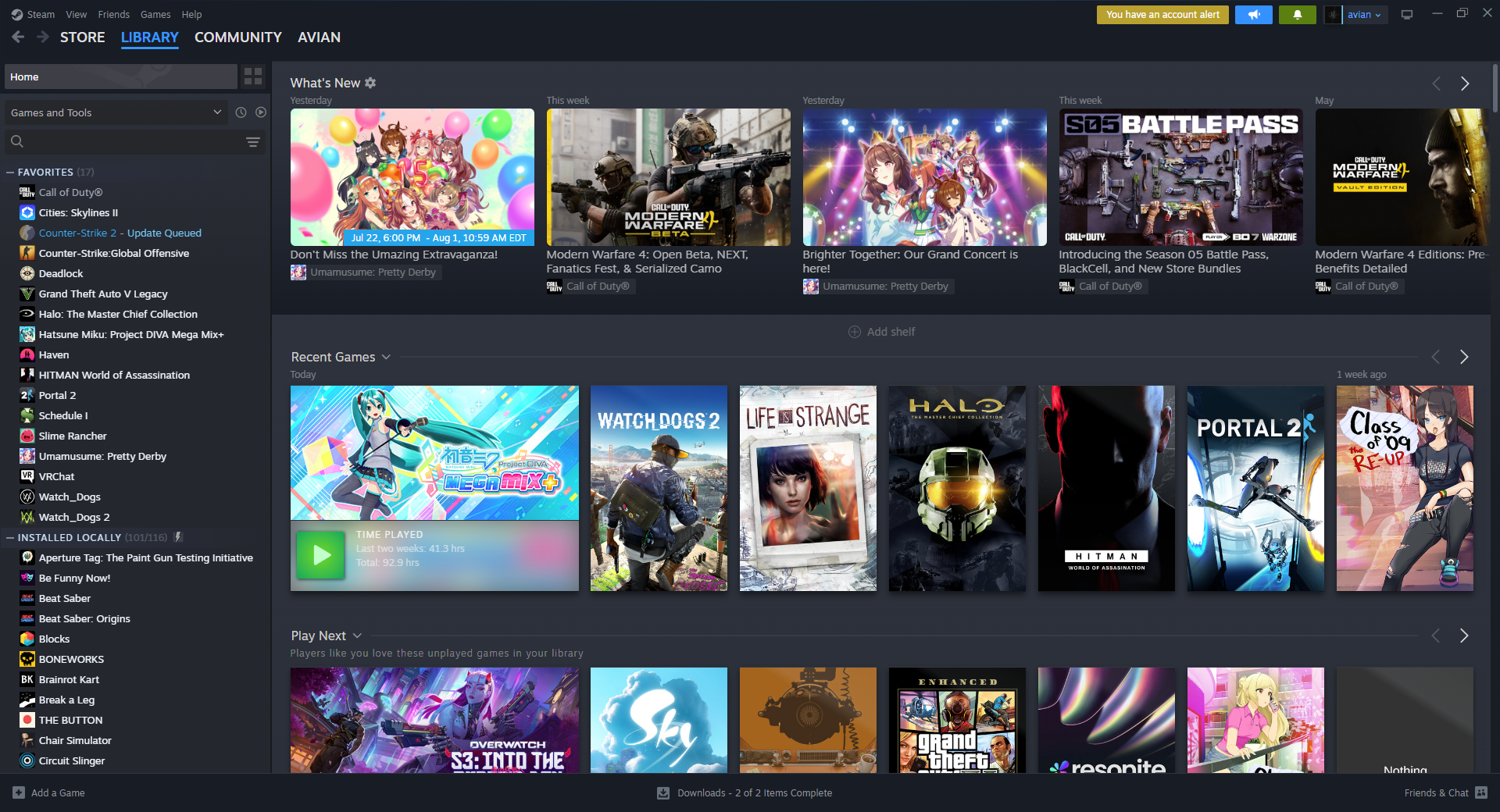
Open Steam and click on your account name in the top-right.
Step 2
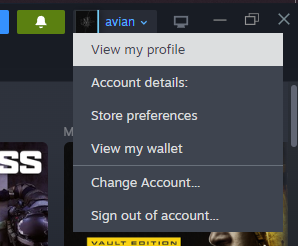
In the dropdown menu, click View my Profile.
Step 3
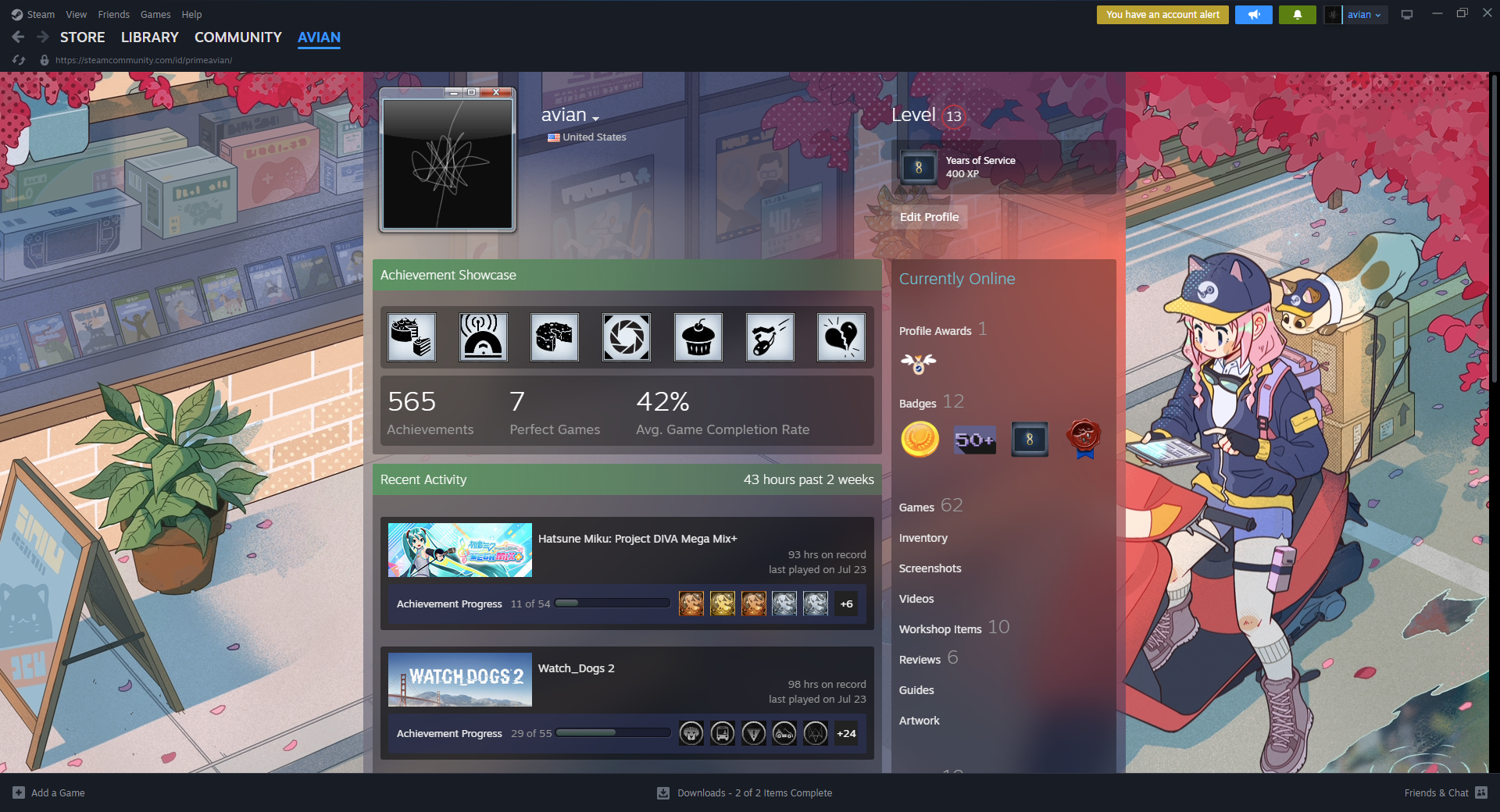
Once you're on your Steam profile page, click the Edit Profile button on the right side.
Step 4
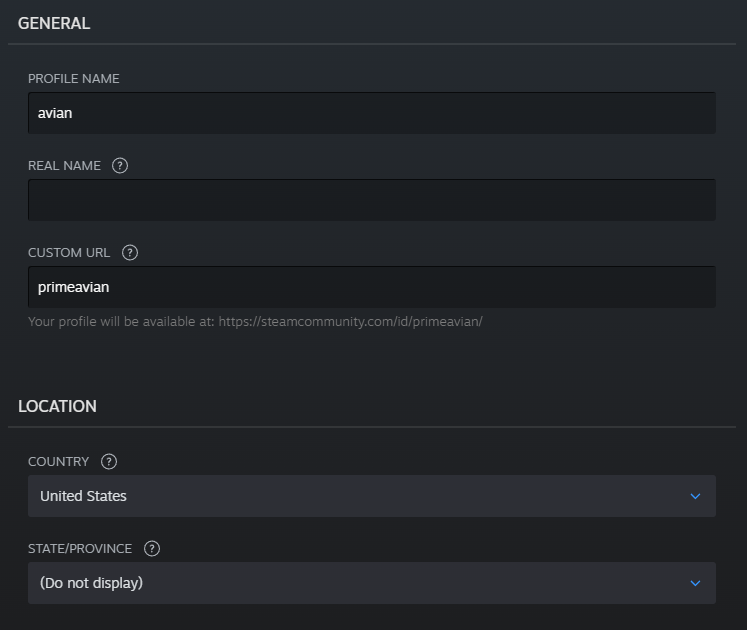
Set the Country or Profile Name field to what you want to change it to.
Step 5
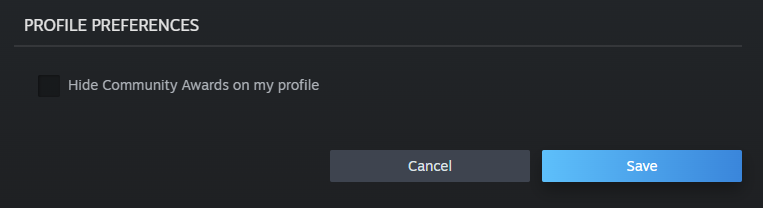
Scroll down and press the Save button.
Step 6
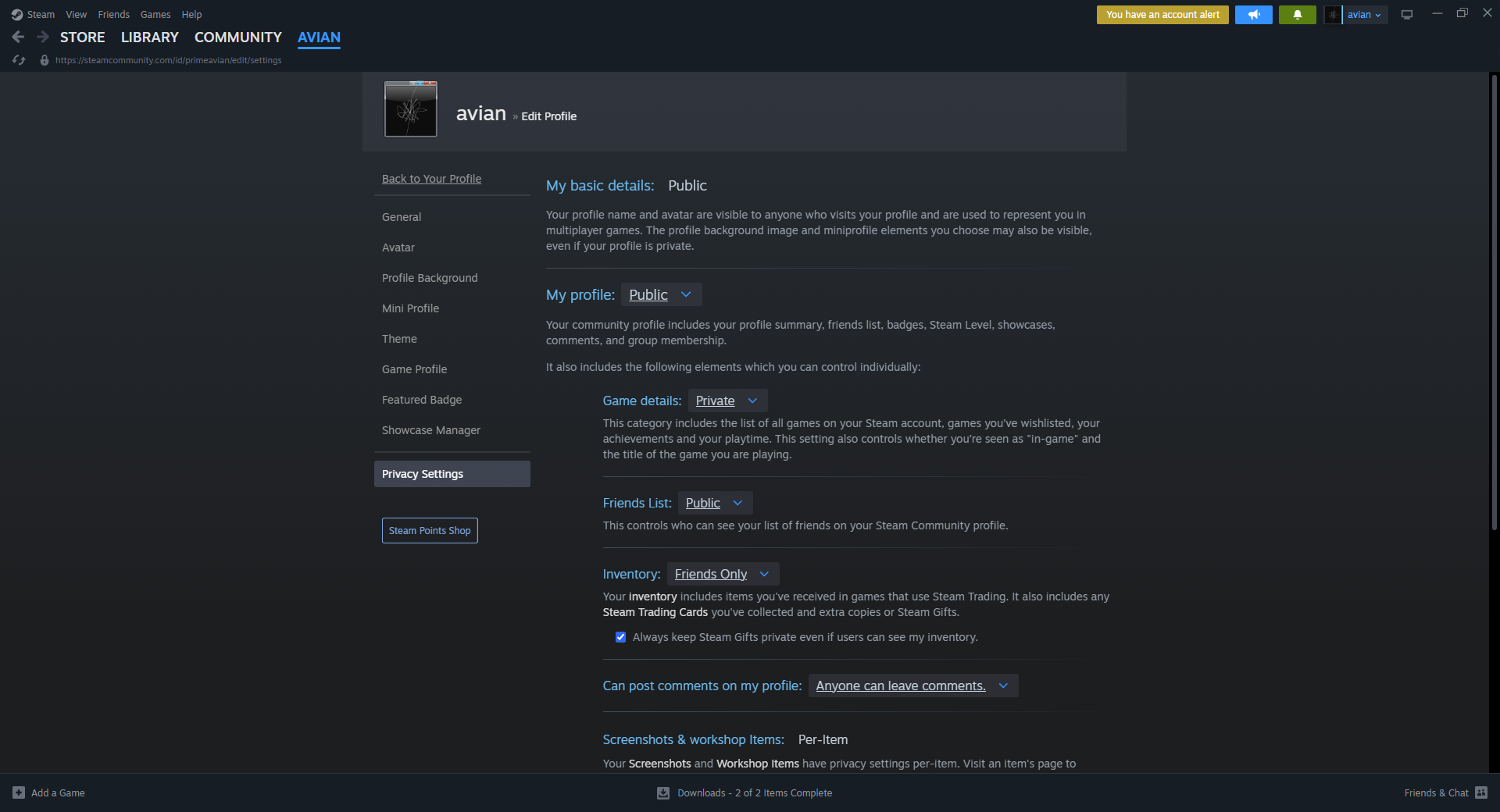
Go to the Privacy Settings tab and ensure your profile is set to Public, if it is not, please set it to Public.